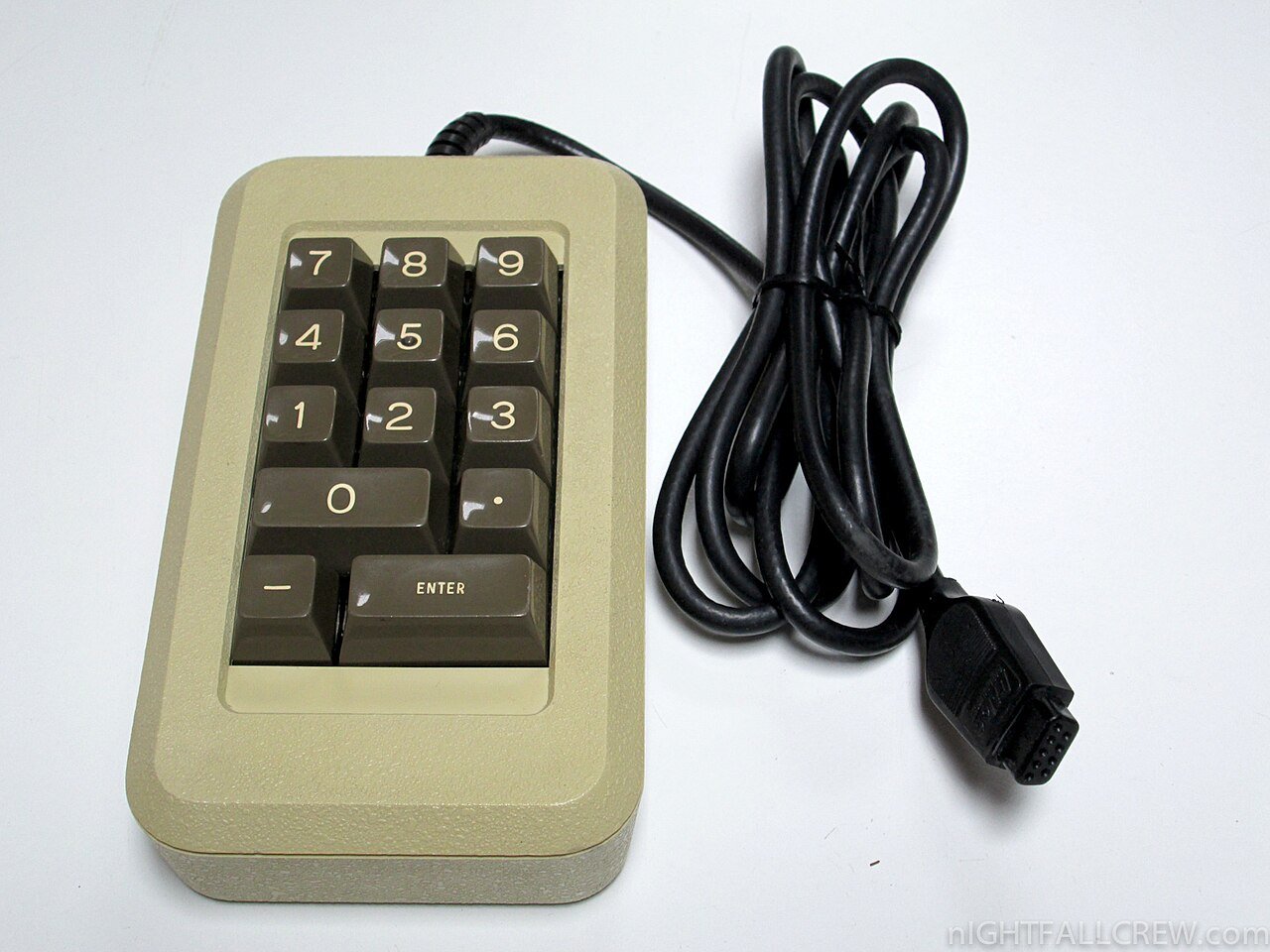
A wireless keypad mounted outside your garage lets you open the door with a PIN code instead of carrying a remote, which is especially handy for kids walking home from school or for giving temporary access to a dog walker or contractor. Programming one is similar to pairing a remote, with a few extra steps for setting your code.
Before You Start
Make sure the keypad has a fresh battery installed, and choose a PIN code you will remember but that is not something obvious like 1234 or your house number. Most keypads accept a 4-digit code, though some allow longer codes.
Step 1: Locate the Learn Button
Just like with a remote, find the Learn or Smart button on the garage door opener motor unit. It is usually near the antenna, sometimes hidden behind a light cover.
Step 2: Enter Programming Mode
Press and release the Learn button on the motor unit. The indicator light will turn on, signaling the opener is ready to pair with a new device for roughly 30 seconds.
Step 3: Enter Your PIN on the Keypad
On the keypad, enter your desired PIN code and then press the Enter button. On some models you press and hold Enter, on others you press a dedicated Program button first. The opener’s motor will click or the light will flash to confirm the code has been accepted.
Step 4: Test the Code
Walk through the full process as if you were a visitor: enter the PIN and press Enter, then confirm the door opens. Test it a second time after closing the door to make sure the code reliably works both ways.
Changing an Existing Code
Most keypads let you set a new PIN without erasing the old one and reprogramming the entire opener, usually by holding a Program button on the keypad itself along with the old code, then entering the new one. Check your specific model’s manual since this step varies more than initial pairing does.
Setting Up Temporary or Guest Codes
Some higher-end keypads support a separate temporary code that can be limited to a certain number of uses or a date range, which is useful for contractors or house sitters. This is usually configured through a secondary menu on the keypad, accessed by holding two buttons simultaneously.
Troubleshooting a Keypad That Won’t Pair
If the keypad will not program, check the battery first, since a weak signal during pairing is the single most common cause of failure. Make sure you are not too far from the motor unit, and confirm the keypad model is compatible with your specific opener’s frequency, as mismatched systems will never pair no matter how many times you try.