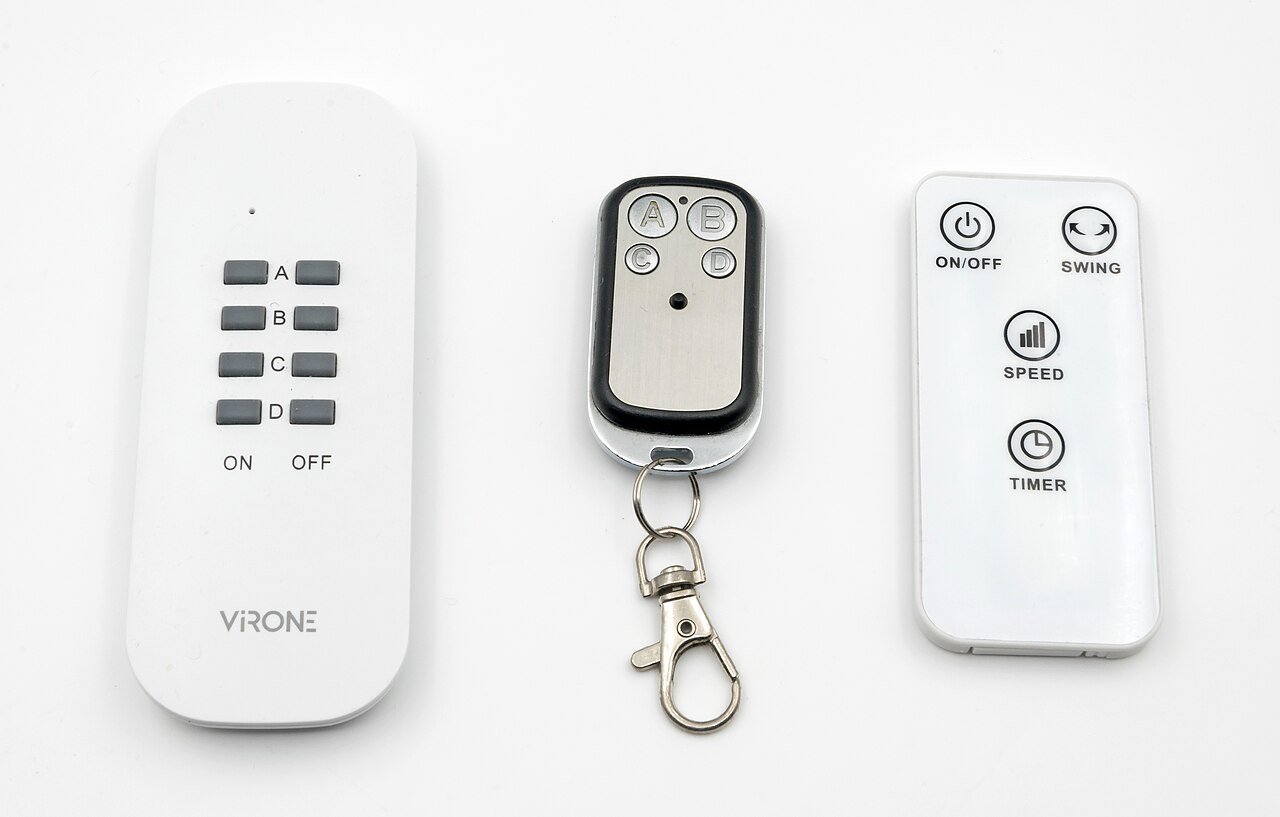
Whether you just bought a new garage door opener, lost your only remote, or picked up a universal clicker at the hardware store, programming a garage door remote is usually a five-minute job once you know where the right button is. This guide covers the general process and the quirks of the most common opener brands.
Find the Learn Button
Nearly every modern garage door opener has a small button on the motor unit itself, often labeled Learn, Smart, or simply marked with an icon. It is usually near where the antenna wire hangs down, and it may be hidden under a light lens cover that pops off.
General Programming Steps
Press and release the Learn button on the motor unit. An indicator light next to the button will usually turn on and stay lit for about 30 seconds. While that light is on, press and hold the button on your remote that you want to program. The opener’s motor will often make a click or the overhead light will flash to confirm the remote is now paired.
Programming Multiple Remotes
Repeat the Learn button process for each additional remote. Most openers can store anywhere from a handful to a few dozen remote codes, which is also how keypads and some vehicle integration systems get registered.
Brand-Specific Notes
Chamberlain, LiftMaster, and Craftsman openers typically share the same basic Learn button process since they are made by the same parent company. Genie openers often use a similar button but may require you to hold it slightly longer. Older openers from the 1990s and earlier may use small DIP switches instead of a Learn button, where you match a series of tiny toggle switches inside the remote’s battery compartment to the switches inside the motor unit’s control panel.
Programming a Universal Remote
Universal remotes purchased separately usually have their own pairing sequence: hold a specific button combination on the remote itself until a light blinks, then follow the same Learn button process on the motor unit. Check the included instructions since the button combination varies by universal remote brand.
Clearing All Remotes
If you have lost a remote and are worried about unauthorized access, most openers let you clear every stored remote code at once, usually by holding the Learn button for 6 to 10 seconds until the indicator light turns off. After clearing, you will need to reprogram every remote and keypad you still want to use.
Troubleshooting a Remote That Will Not Program
If the remote will not pair, first replace its battery since a weak signal is the most common culprit. Make sure you are standing within a few feet of the motor unit during programming. If it still fails, double-check that the remote’s frequency matches your opener’s model, since some older and newer systems use different radio frequencies that are not cross-compatible.